Step by Step - How to turn on Password Protection for Oracle Database Listener Control (LSNRCTL) Command Line Utility
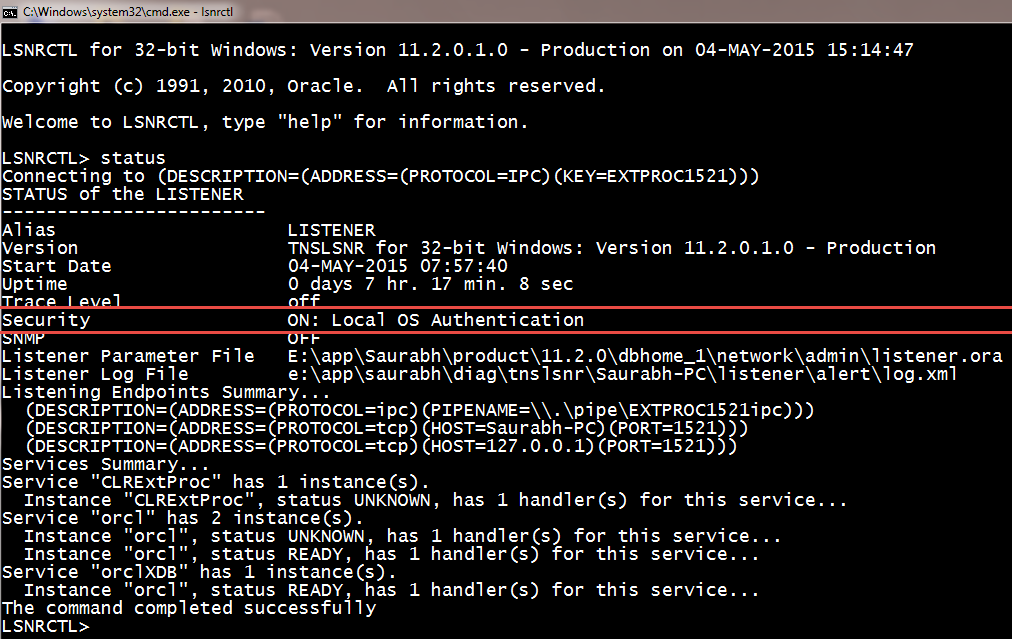
Step 1:- open administrator cmd Step 2:- C:\lsnrctl Step 3:- lsnrctl> change_password Step 4:- lsnrctl> old password : (keep this blank) Step 5:- lsnrctl> new password : (set your password here) Step 6:- lsnrctl> retype new password : (retype your password here) Step 7:- lsnrctl> save_config Step 8:- lsnrctl> exit Step 9:- Open listener.ora file from ORACLE_HOME\NETWORK\ADMIN\ Step 10:- Add this line - LOCAL_OS_AUTHENTICATION_LISTENER = OFF step 11:- lsnrctl> stop step 12:- lsnrctl> start <-- this is required to reload the listener.ora file step 13:- lsnrctl> exit Step 14:- from administrator cmd open lsnrctl Step 15:- lsnrctl>stop The above command will give an error like Connecting to (DESCRIPTION=(ADDRESS=(PROTOCOL=TCP)(HOST=B-3)(PORT=1521))) TNS-01169: The listener has not recognized the password Step 16:- LSNRCTL> set password unisoft <--- your password set above. Step 17:- lsnrctl> stop <-...